Software
Emulator
Tencent Gaming Buddy — PUBG Mobile Official PC Emulator
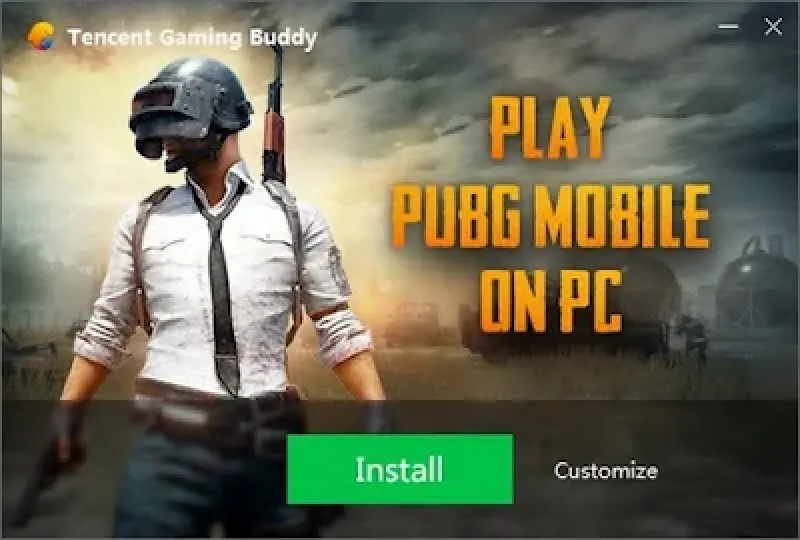
Tencent Gaming Buddy (now known as GameLoop) is the official Android emulator developed by Tencent Games specifically optimized for playing PUBG Mobile and other mobile shooters on Windows PC.Why Use...
 ATH Team
📖 Description
Tencent Gaming Buddy (now known as GameLoop) is the official Android emulator developed by Tencent Games specifically optimized for playing PUBG Mobile and other mobile shooters on Windows PC.
Why Use Tencent Gaming Buddy for PUBG Mobile?
- Official Emulator Support: Developed by Tencent, meaning no risk of account bans. Players are matched only with other emulator users for fair gameplay.
- Pre-mapped Keyboard & Mouse Controls: Ready to play out of the box with intuitive WASD movement, right-click ADS aiming, and customizable keybinds.
- High Framerate & HD Resolution: Supports up to 2K resolution (1440p) and 60-90 FPS on compatible hardware.
- Smart Resource Allocation: Runs smoothly even on low-to-mid range PCs with dedicated CPU/GPU virtualization options.
- Built-in Game Recorder: Easily capture highlights and gameplay clips with one click.
Minimum System Requirements
- OS: Windows 7, 8, 8.1, 10, 11 (64-bit)
- CPU: Dual Core from Intel or AMD at 1.8 GHz
- RAM: 3 GB RAM (4 GB recommended)
- GPU: NVIDIA GeForce 8600/9600GT or AMD Radeon HD2600/3600
- DirectX: Version 9.0c
- Storage: 1 GB available space (plus game download space)
How to Install & Play PUBG Mobile on PC
- Download the Tencent Emulator installer from the button below.
- Run the installer and complete the setup wizard.
- Launch Tencent Gaming Buddy and click Install on PUBG MOBILE.
- Wait for the game files to download and initialize automatically.
- Launch the game, log in with your social account, and customize your keybinds in settings!
0
🔑 Login to rate this game
💻 System Requirements
Important Note:
AllTypeHacks provides download links for informational and educational purposes only.
We do not host any files directly. Please support developers by purchasing official copies.
By downloading, you agree to our DMCA policy.

Comments (0)
No comments yet. Be the first to start the discussion!