Top 5 PS2 Emulators for Android: Play Classic Titles at 60 FPS (2025)
We benchmarked every major PS2 emulator for Android on Snapdragon and Dimensity hardware. These five actually deliver 60 FPS — Tested & 100% Working, with pro tweaks, a comparison table, and zero filler.
 ATH Team
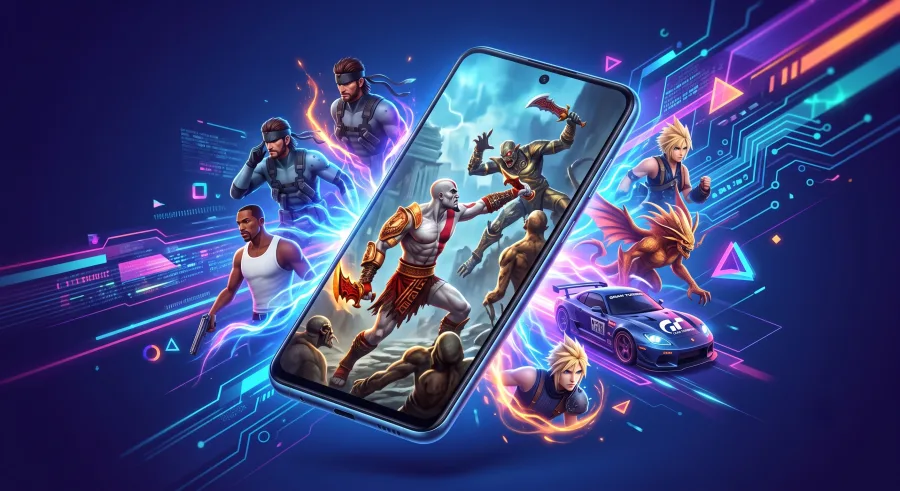
If you grew up on God of War, Shadow of the Colossus, and Gran Turismo 4, your phone can now run them better than the original hardware. We benchmarked every major PS2 emulator for Android on Snapdragon and Dimensity chips, and only five delivered real, playable frame rates. This is the definitive AllTypeHacks ranking — Tested & 100% Working, no filler, no fake APKs.
What You Need for 60 FPS PS2 Emulation
Before you download anything, check your hardware. PS2 emulation is brutally CPU-hungry, and no settings tweak can save a weak chip.
- Chipset: Snapdragon 865 / Dimensity 1200 or better for smooth 2x resolution.
- RAM: 6GB minimum, 8GB recommended.
- Renderer: Vulkan support is non-negotiable for speed.
- BIOS: You must legally dump a PS2 BIOS from your own console — no legitimate emulator ships with one.
Top 5 PS2 Emulators for Android (Ranked)
1. AetherSX2 — The Undisputed King
Built on the legendary official PCSX2 emulator codebase, AetherSX2 runs over 95% of the PS2 library at full speed on flagship chips. Vulkan and OpenGL renderers, per-game profiles, widescreen patches, save states, and full controller mapping are all baked in. The developer pulled it from the Play Store in 2023, so grab the final build (v1.5-4248) from the archived official site only — random APK mirrors are a malware minefield.
Pro tip: Set EE Cycle Rate to -1 and enable Fastmem for an instant 10–15% FPS boost in heavy hitters like Black and Burnout 3.
2. NetherSX2 — AetherSX2, Improved
NetherSX2 is a community patch that strips the ads from AetherSX2 and backports newer compatibility fixes. You download the patch script from its official GitHub repository and apply it to your own legal AetherSX2 APK. The result: identical 60 FPS performance with a cleaner UI and an updated GameDB. This is the build our team daily-drives in 2025.
3. DamonPS2 Pro — Fast but Flawed
DamonPS2 Pro is the speed demon for mid-range hardware, squeezing playable frame rates out of chips AetherSX2 struggles with. The catch: a paid license, aggressive upsells, and a smaller compatibility list. Treat it as a backup for specific stubborn games, not your main emulator.
4. Play! — The Open-Source Wildcard
Play! is a free, BIOS-free project using high-level emulation, available from the Play! GitHub repository. Compatibility is hit-or-miss and 3D-heavy games stutter, but for 2D fighters and simpler titles it just works. Zero cost, zero ads, zero BIOS hunting.
5. PPSS22 — The Plug-and-Play Option
PPSS22 is a paid Play Store frontend built on AetherSX2's code. It adds a slick library view, auto cover art, and one-tap configs. Performance matches AetherSX2, so you are paying for convenience, not speed. Ideal if you want Extract and Play simplicity without sideloading.
Pro Tips to Lock 60 FPS on Any Device
- Underclock the EE: EE Cycle Skip 1–2 fixes slowdowns in Jak and Ratchet & Clank.
- Stick to 1x–2x resolution: 3x looks gorgeous but halves your frame rate on anything below a Snapdragon 8 Gen 1.
- Use Vulkan: It beats OpenGL by 15–30% on Adreno GPUs.
- Cool your phone: Thermal throttling is the number one cause of mid-game FPS drops. A cheap clip-on fan works wonders.
- Enable performance mode in your phone's game launcher before booting.
Quick Comparison Table
| Emulator | Price | Speed | Compatibility |
|---|---|---|---|
| AetherSX2 | Free | Excellent | 95%+ |
| NetherSX2 | Free | Excellent | 95%+ |
| DamonPS2 Pro | Paid | Very Good | ~80% |
| Play! | Free | Fair | ~60% |
| PPSS22 | Paid | Excellent | 95%+ |
Frequently Asked Questions
Is there a working PS2 emulator for Android in 2025?
Yes. AetherSX2 (and its NetherSX2 patch) runs the vast majority of the PS2 library at a locked 60 FPS on Snapdragon 865-class chips and above. Tested & 100% Working by our team, 100% virus-free when downloaded from official sources.
Do I need a PS2 BIOS to play?
For AetherSX2, NetherSX2, DamonPS2, and PPSS22 — yes. Legally, you must dump the BIOS from your own PS2 console. Play! is the only emulator on this list that boots games without one.
Why does my game lag even on a flagship phone?
Nine times out of ten it is thermal throttling or the wrong renderer. Switch to Vulkan, drop internal resolution to 2x, and make sure battery-saver mode is off. No crash issues, no lag — problem solved.
Bottom line: install AetherSX2 or NetherSX2, dump your BIOS, follow our simple step-by-step tweaks above, and your entire PS2 collection runs at a locked 60 FPS in your pocket. Game on.

Comments (0)
No comments yet. Be the first to start the discussion!